Draw. Pull. Make it yours.
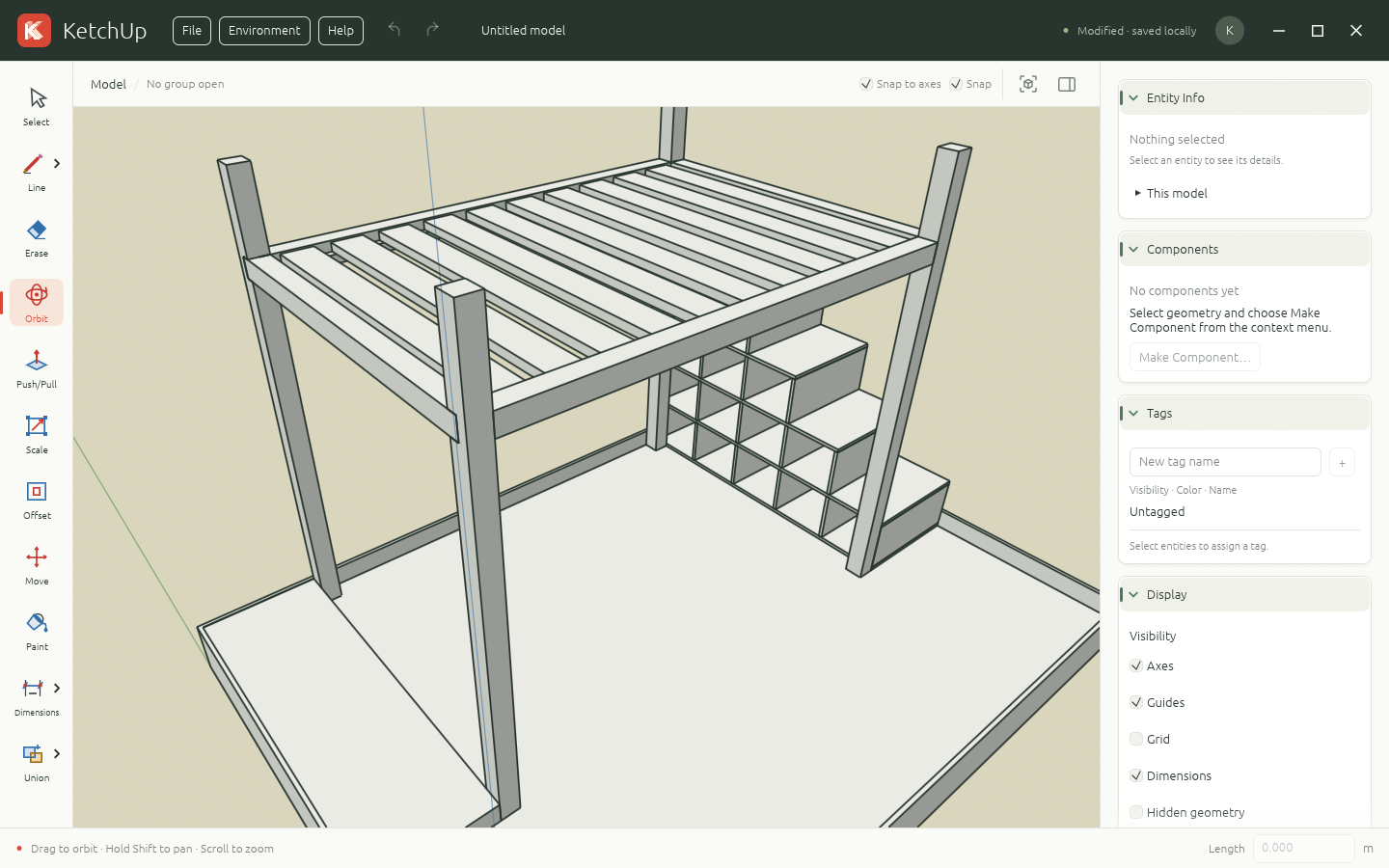
Sketch lines, rectangles, circles, and freehand outlines. Turn faces into forms with Push/Pull, then move, scale, offset, and paint.
 KetchUp.
A precise little space to think in 3D. Draw an outline, pull it into shape, and see where it takes you.
Free & open source. No account needed.
Made for a desktop browser and a mouse.
Start with a simple shape. Keep the tools you need close, and your model at the center.
Sketch lines, rectangles, circles, and freehand outlines. Turn faces into forms with Push/Pull, then move, scale, offset, and paint.
Snap to geometry and axes, type exact lengths, and add dimensions. Organize the bigger picture with groups, components, and tags.
Autosave locally and download portable .ketchup projects. Import SketchUp geometry or export an OBJ to take your model further.
The editor opens with a clean slate.
Here’s a good place to start.
Click one corner, then the opposite corner to create your first face.
Choose Push/Pull, click the face, move your mouse, and click to finish.
Choose Orbit and drag to look around. Scroll to zoom; press F to fit your model.
A desktop browser with hardware acceleration and WebGPU or WebGL2 support. Use a mouse and keyboard for modeling. You can also run KetchUp as a native Windows, macOS, or Linux app.
Your model is autosaved in this browser on this device. Use File → Save to download a .ketchup project you can keep or open again. Clearing browser data can remove autosaved work, so download projects you want to keep. There’s no cloud storage or account to set up.
Use File → Import/Export to import SketchUp (.skp) geometry or export Wavefront OBJ (.obj). Imports run locally. SketchUp textures, scenes, and some model features aren’t supported; OBJ export includes geometry without materials.
Yes. KetchUp is open source under the MIT license and written in Rust. Explore the code, read the full guide, or contribute on GitHub.